To start trading on BTSE Indonesia, you must complete the Know Your Customer (KYC) Level 1 verification process. Using the BTSE Indonesia mobile app, you can complete your identity verification in just a few simple steps.
Download the BTSE Indonesia App
Before starting the verification process, download the BTSE Indonesia app from:
Google Play Store
Apple App Store
Or visit: https://company.btse.id/en/download-app/
How to Complete KYC Level 1 Verification
1. Open the Verification Page
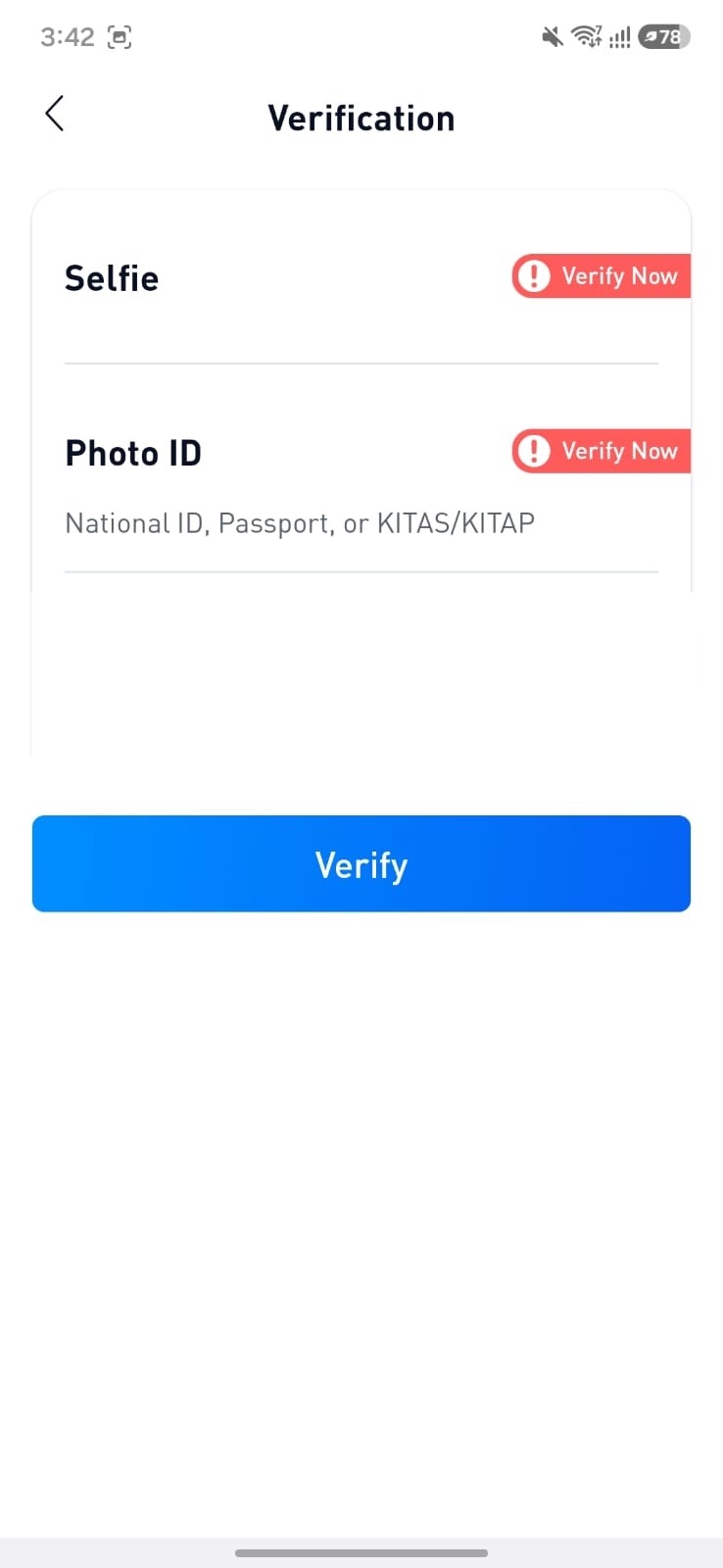
Log in to the BTSE Indonesia mobile app, then navigate to the Verification page and tap Verify to begin the KYC process.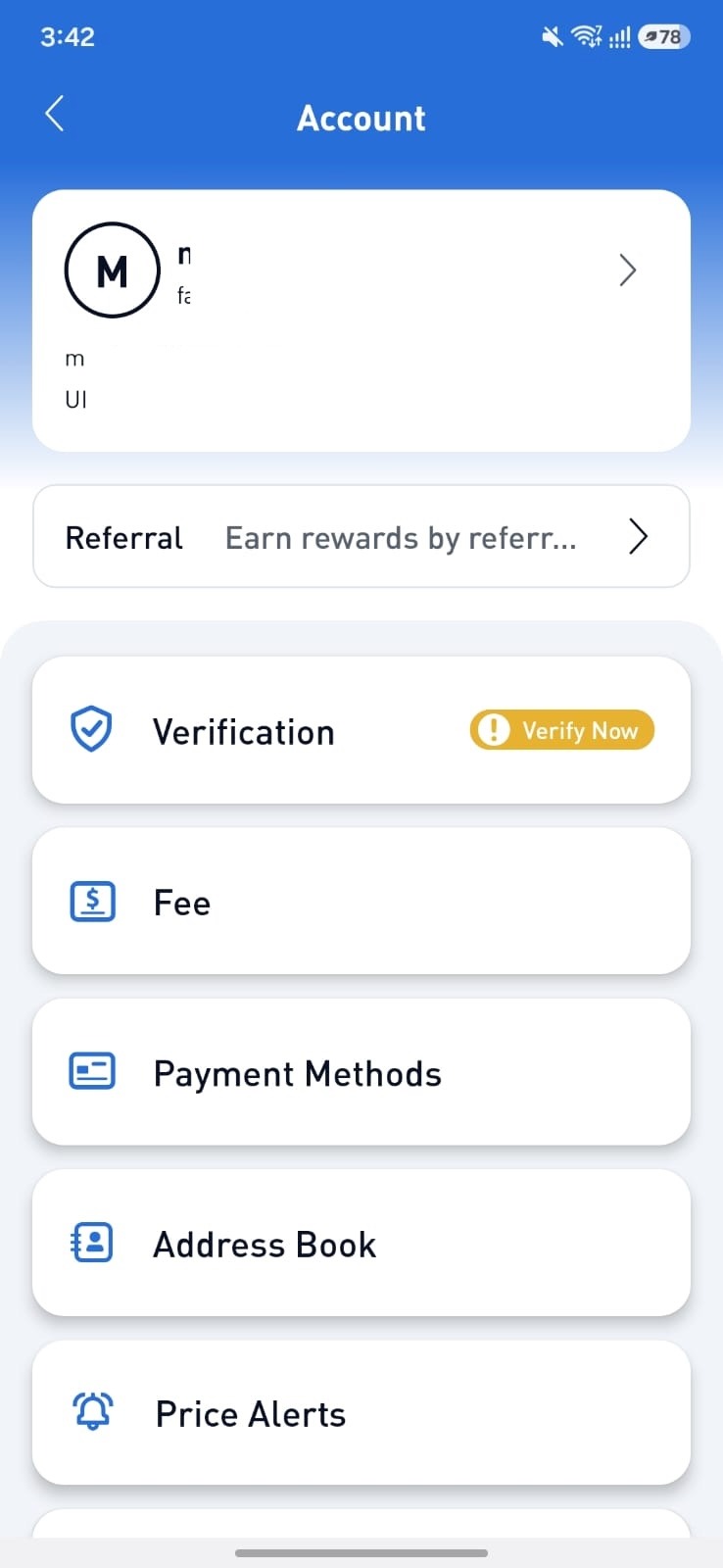
2. Verify Your Phone Number
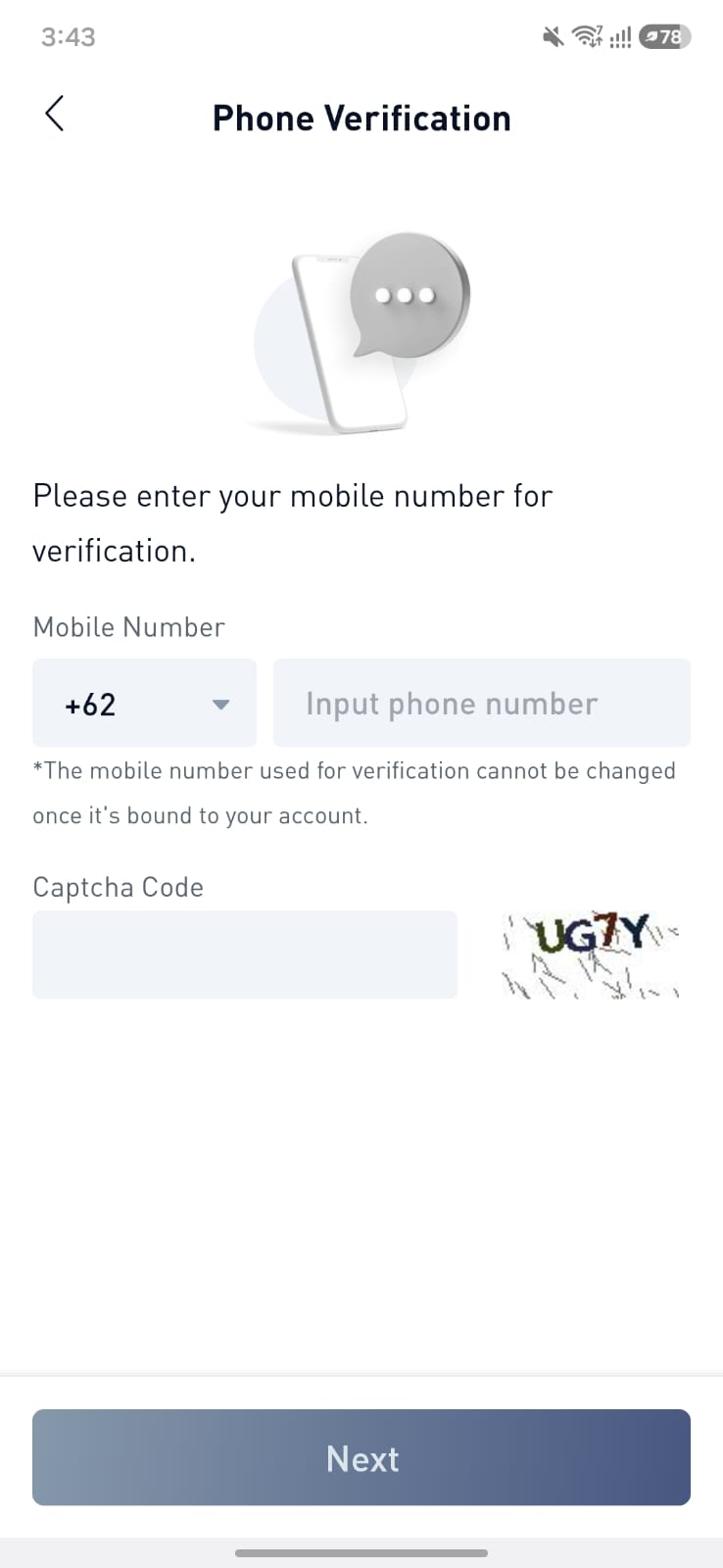
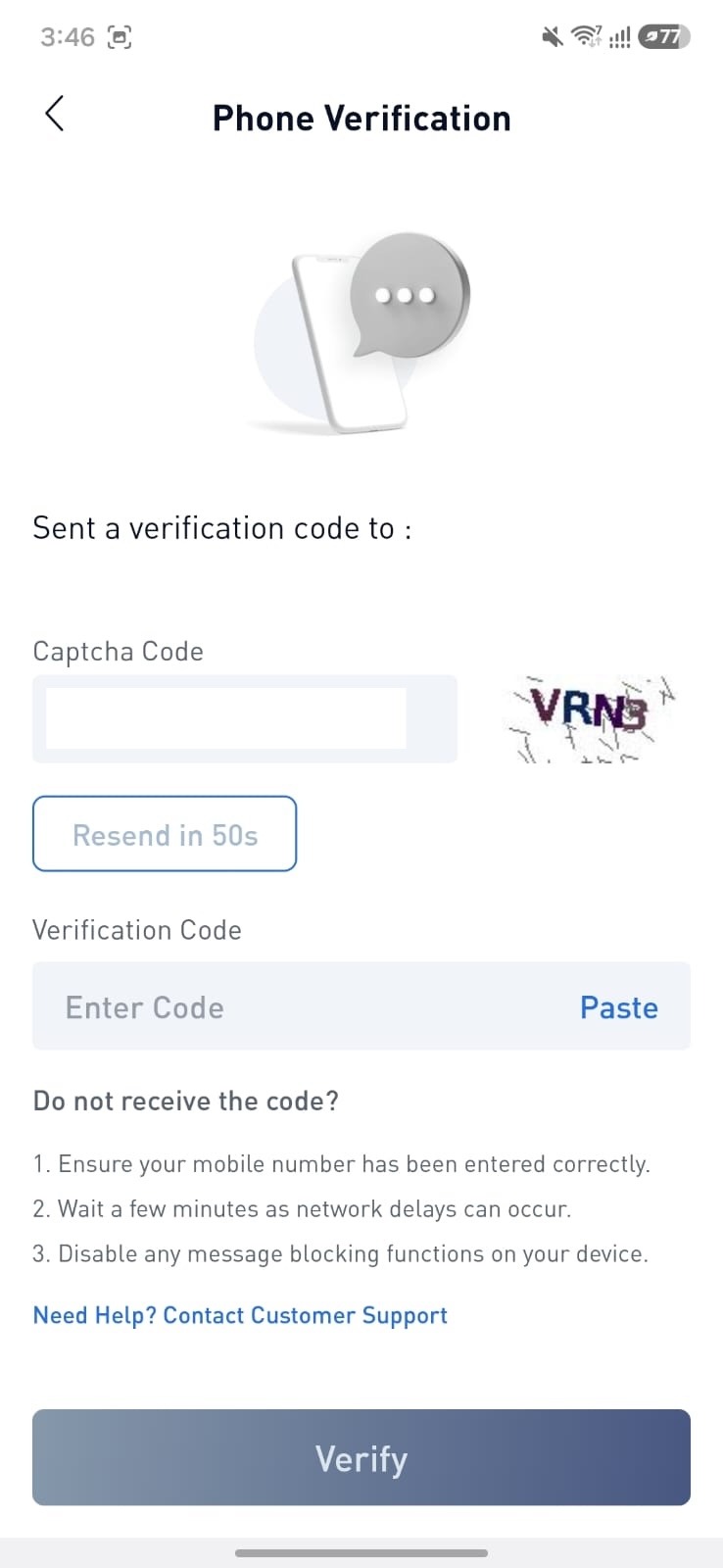
Enter your active mobile phone number, An OTP (One-Time Password) will be sent to number registerd. Enter the OTP to continue.
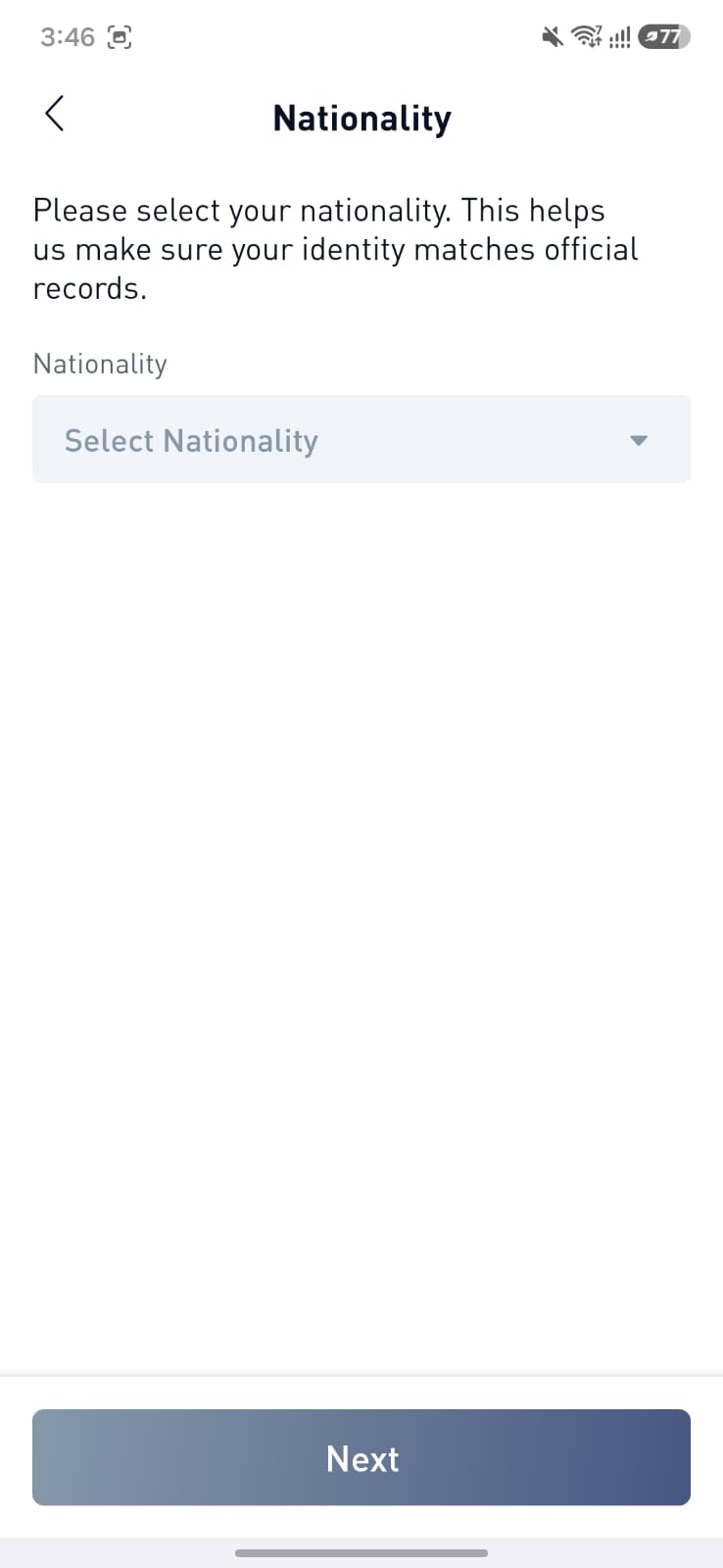
3. Select Your Nationality
Select Indonesia as your nationality.
Tap Continue to proceed.
4. Complete the Liveness Verification
Tap Start Liveness Verification and follow the on-screen instructions.
For a successful verification, please ensure that:
You are not wearing a hat, mask, or glasses.
You are in a well-lit environment.
No one else is visible in the background.
Your face is clearly visible and facing the camera.
Follow all on-screen instructions, such as turning your head left or right and opening your mouth.
Once completed, a Liveness Preview will be displayed. If everything looks correct, tap Next.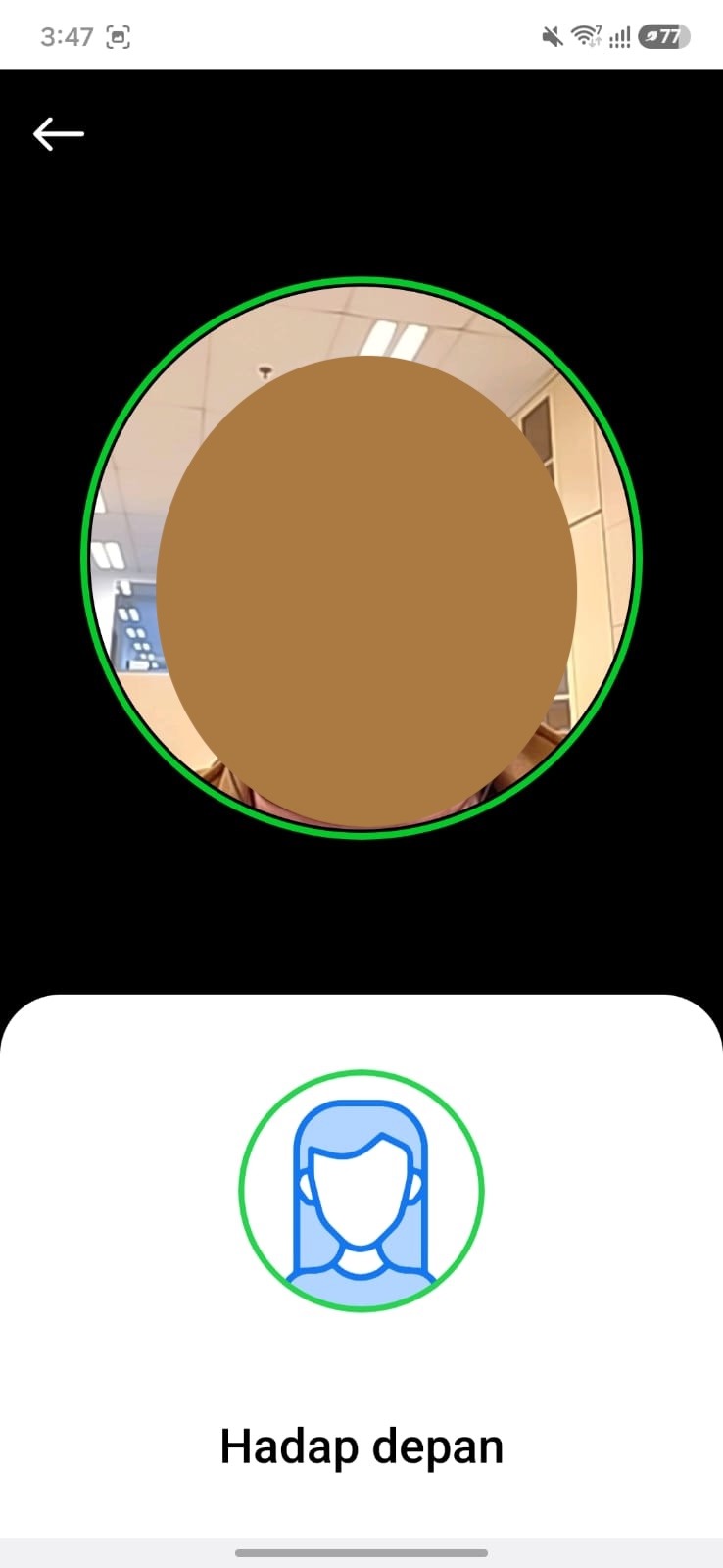
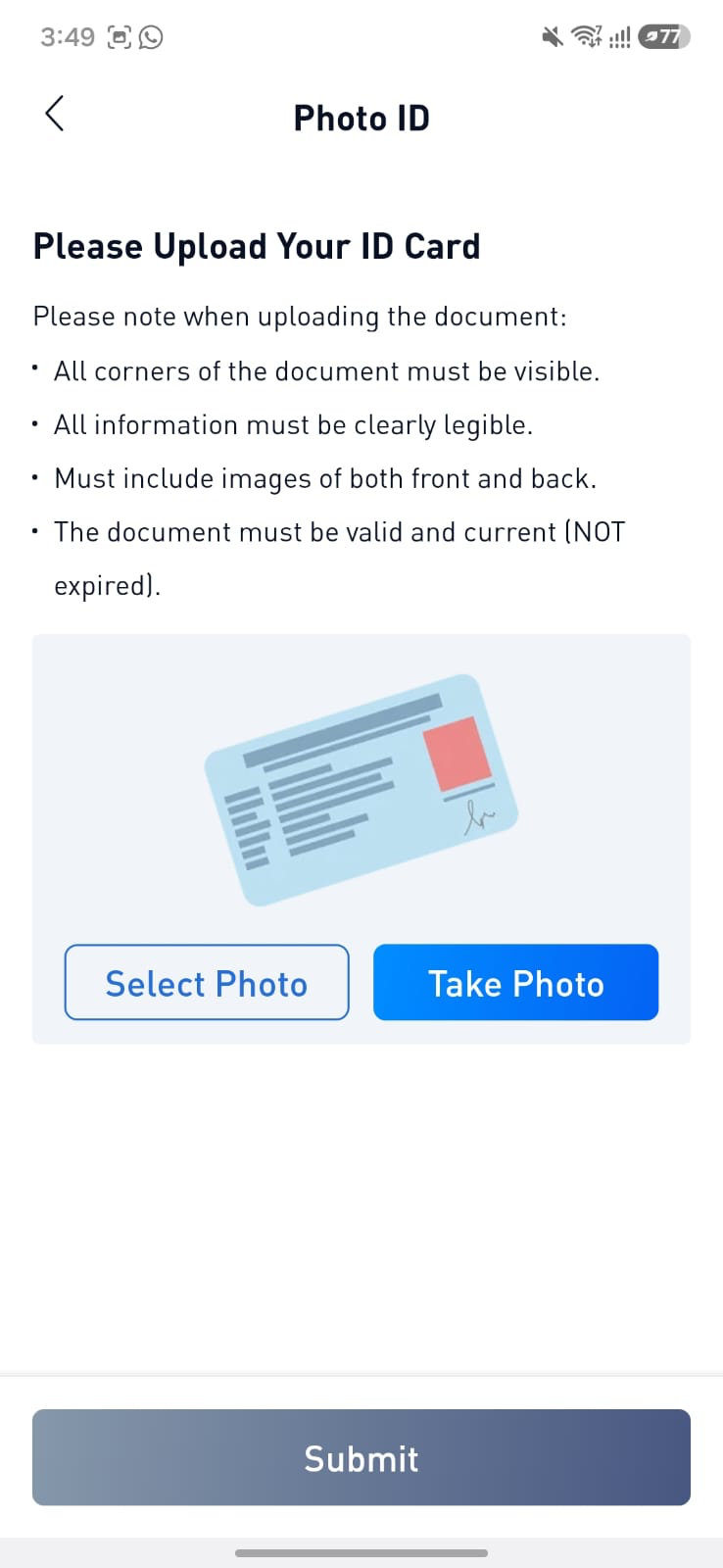
5. Upload Your Identity Document
Upload a clear photo of your original Indonesian ID Card (KTP). Make sure the entire document is clearly visible, readable, and not cropped.
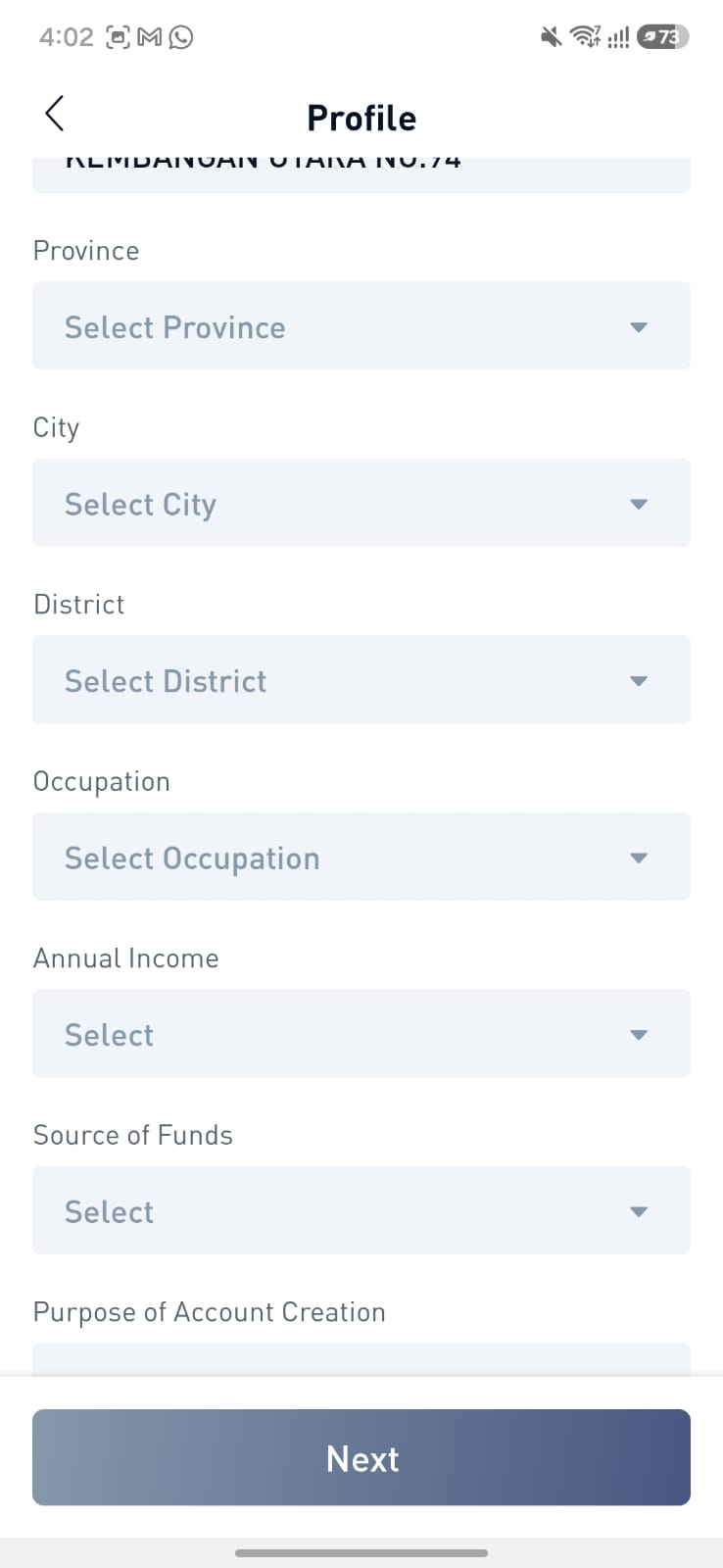
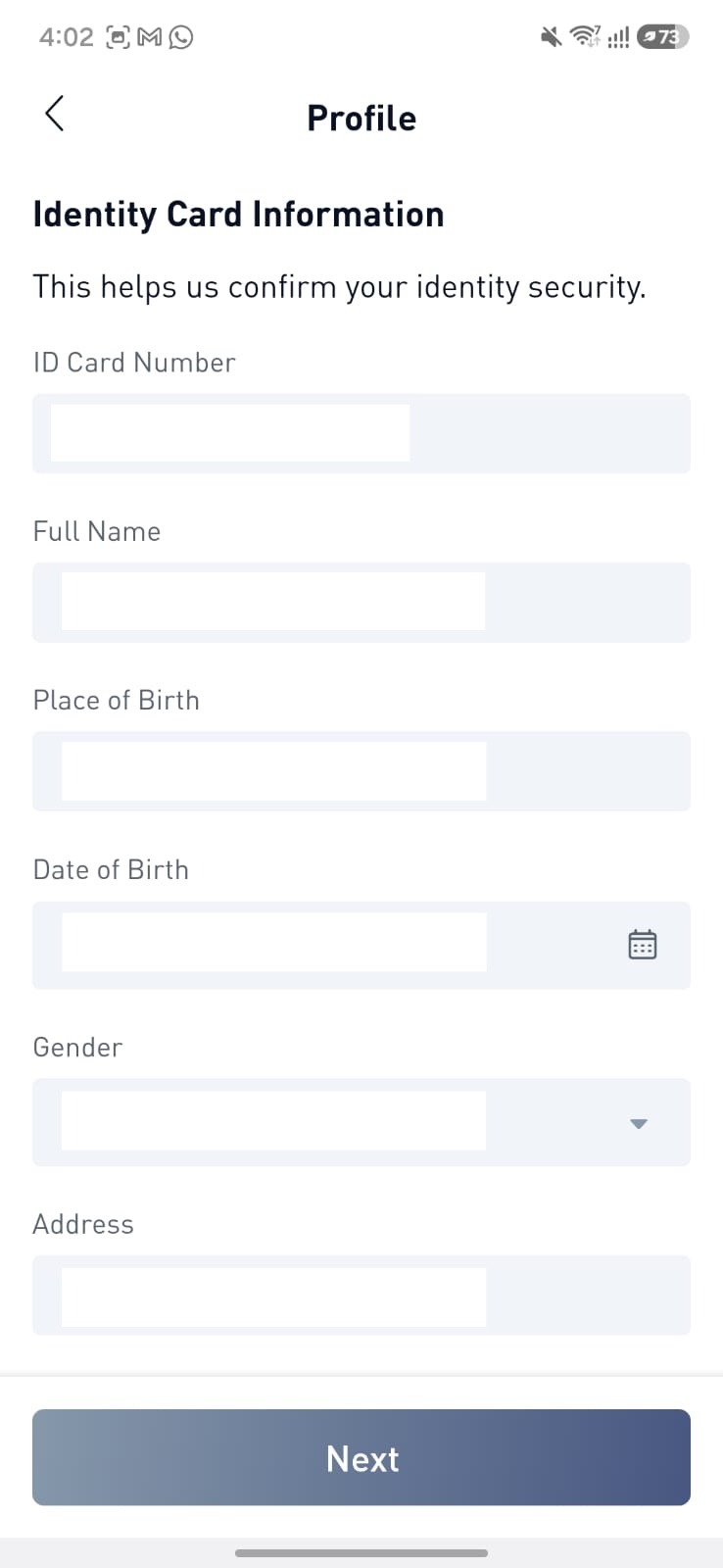
6. Review and Complete Your Personal Information
Your personal information will be automatically extracted from your KTP. Please review the information carefully and complete any missing fields if required.
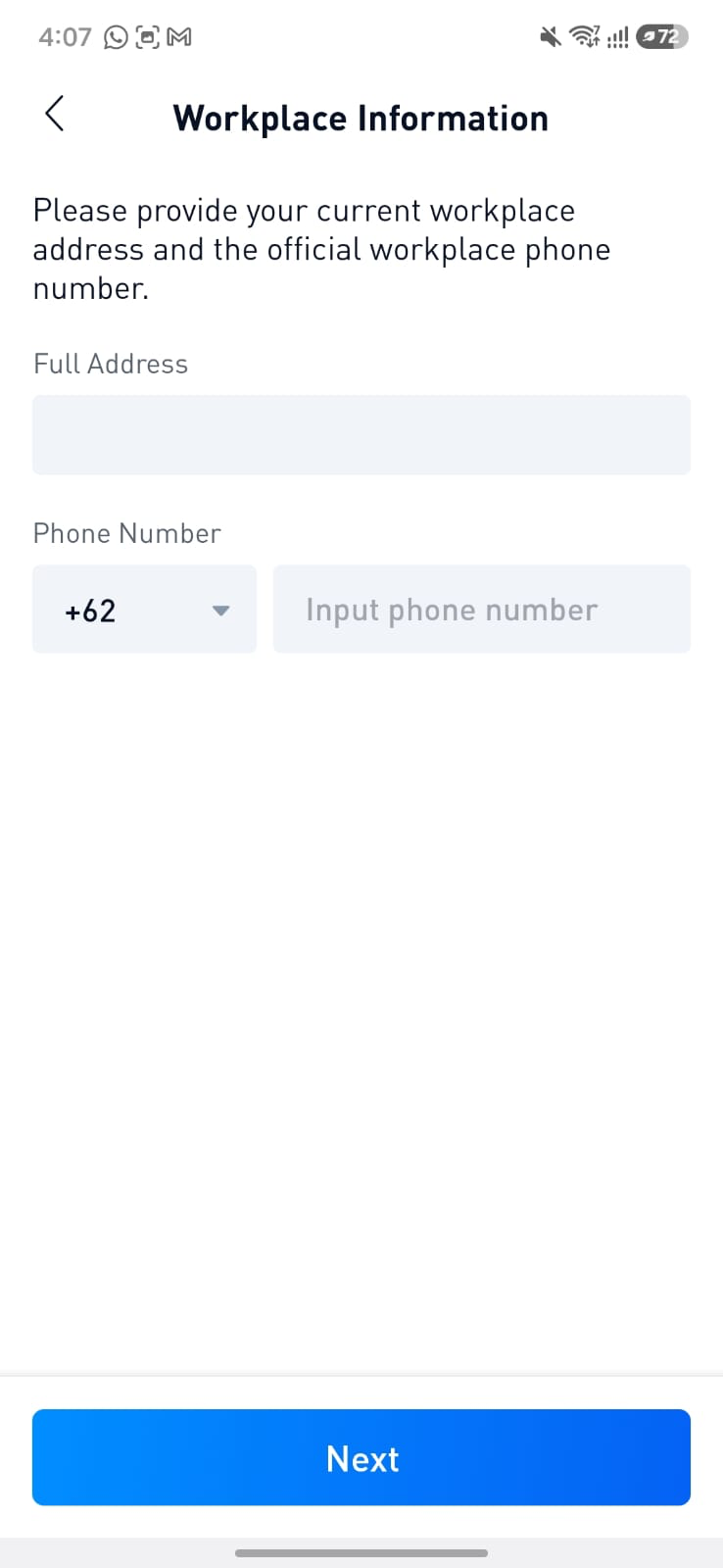
7. Complete Workplace Information (Optional)
Fill in your Workplace Information, if applicable, This step is optional and may be skipped.
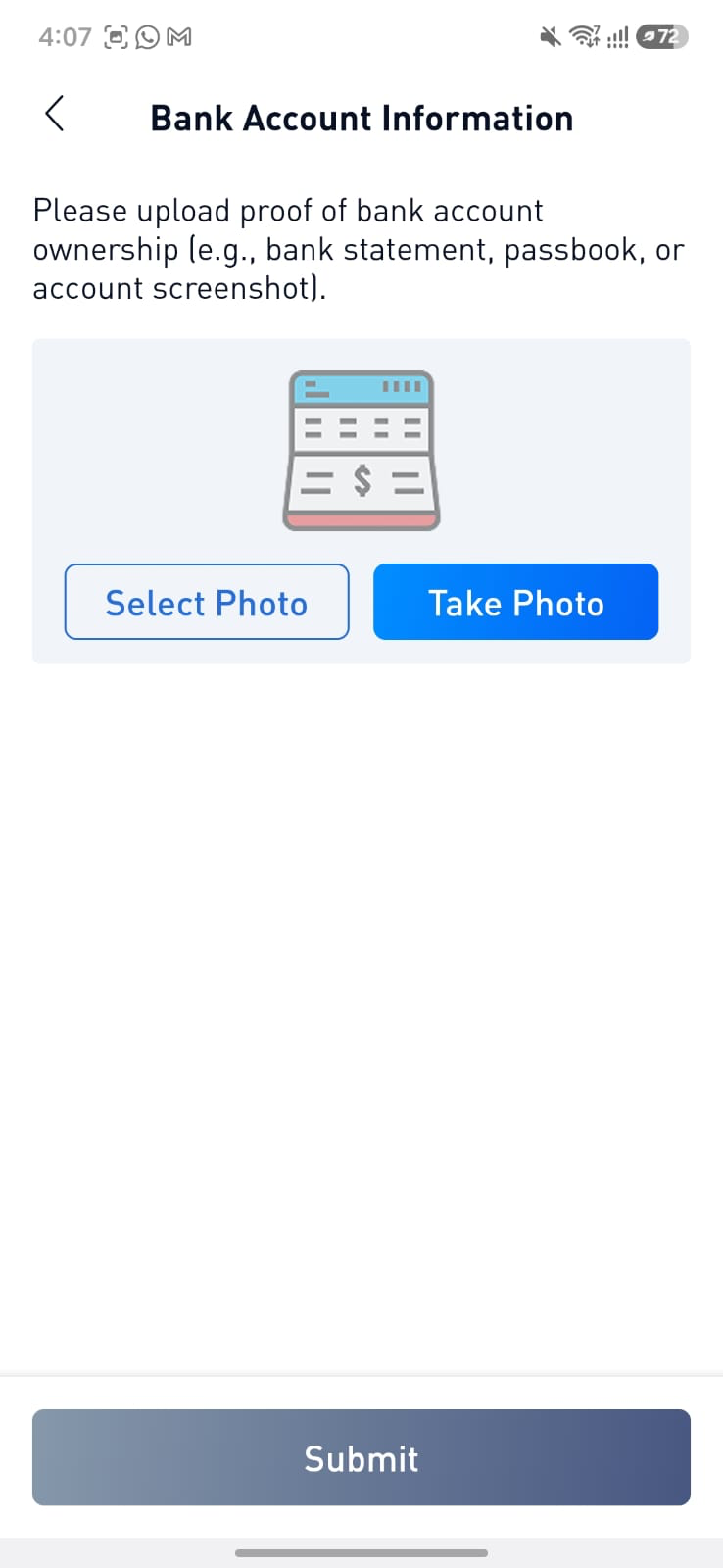
8. Add Your Bank Account Information
Provide your bank account details, including:
Bank name
Bank account number
Upload your bank book or any supporting document if requested
Make sure the bank account is registered under the same name as your BTSE Indonesia account.
9. Submit Your KYC Application
After completing all the required information, submit your KYC application.
Most applications are approved automatically within a short period. However, some applications may require manual review by our verification team.
The estimated verification time is up to 1 × 24 hours.
If you experience any issues during the KYC Level 1 verification process, please contact BTSE Indonesia Customer Support for assistance.

